
MyParker Training
It's great to have support when you are learning something new. That is why the EMEA Digital Marketing Team created training guides that walk you through the basics of MyParker to get you started, and give some valuable tips along the way to help keep you on the right path.
MyParker is our vision to create a better customer experience and a new way to find valuable information. Designed to be the foundation for our next generation of digital transformation. MyParker will provide you with a central place to access all your important information regarding your relationship with Parker and will be updated with new and enhanced capabilities and applications.

Getting Started easy sign-in
A little knowledge can go a long way. Which is why the EMEA Digital Marketing Team wants to share with you simple guidelines to help you explore MyParker. If you can't find what you are looking for, just reach out to the Parker Customer Service or your PHconnect Admin.
1.
Let's get Started
Start by visiting https://my.parker.com
This link is consistent across all devices: computers, phones, and tablets
2.
Sign In to Parker.com
Use your PHconnect username or email address and password information to sign in. Once signed in, you are automatically brought to the app landing page.
3.
Explore MyParker
You are done! Explore MyParker, our next step towards digital transformation with a new personal experience
Bookmark MyParker
If you have been nominated as delegated admin, get started by exploring the Delegated Admin Training Video:
1/ MyApps: One Stop Shop
The MyParker landingpage includes a quick & direct access to Parker's main applications, tools and systems. This "MyApps" section will be where future additional applications will be available. Step by step, those applications will use Single Sign-On, meaning you will have, in the future, only one same login and password to access those applications.
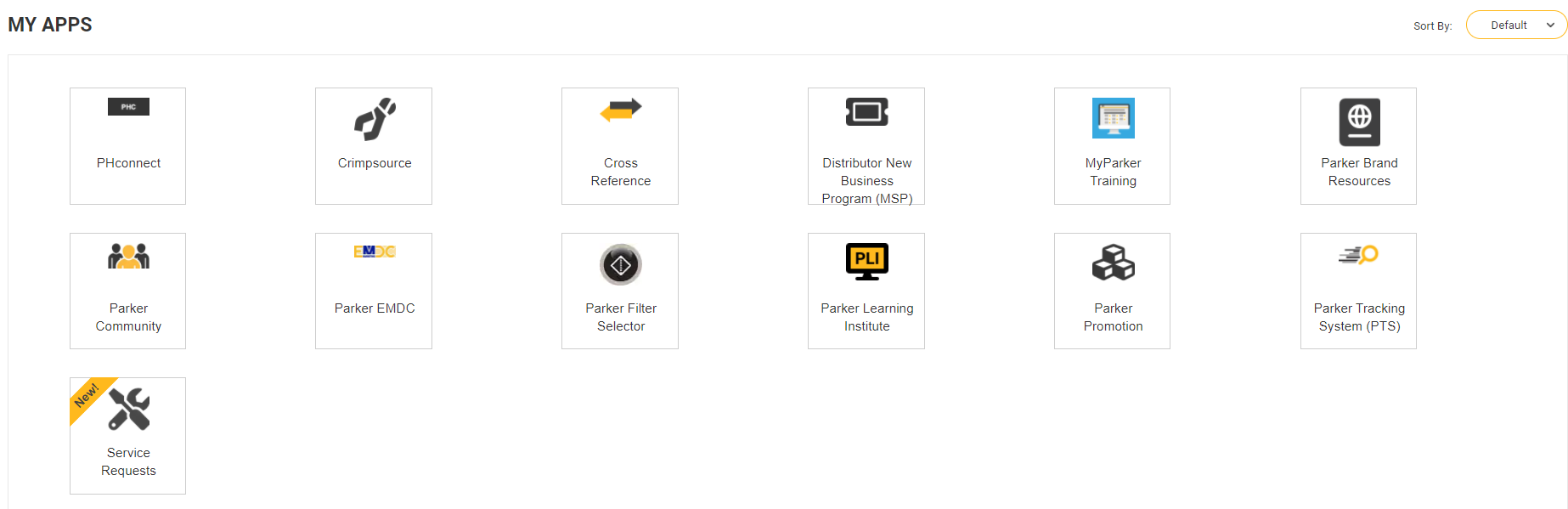
Featured applications
Check live the status of any orders up to the product line details:
- Get tracking links
- Access shipment report and schedules
- Search by order number, part number or PO
The Service Request system allows you to view requests that have been opened by you or someone else within your organization and check their status live. The system will also display help desk tickets that you have opened with the Parker Customer Service.
When viewing a service request, you have the ability to comment and escalate the request. Doing so will send updates back to the Parker representative assigned to the request.
This Cross Reference tool from Parker will help you instantly find:
- A Parker equivalent to other manufacturers' parts;
- Parker replacement solutions for discontinued parts;
- Many other cross-reference options to help you find the right Parker product.
For our distribution channel partners, the Parker Learning Institute (PLI) offers relevant and consistently high-quality technical product trainings anytime, anywhere.
These trainings will enable Parker partners to gain a deeper understanding of our Parker products, their capabilities, limits and range of applications.
2/ Support: How It's Organized?
We understand learning to navigate around a new site can be challenging. Here you can learn how MyParker support section is organized. Support documents are organized using the following categories:
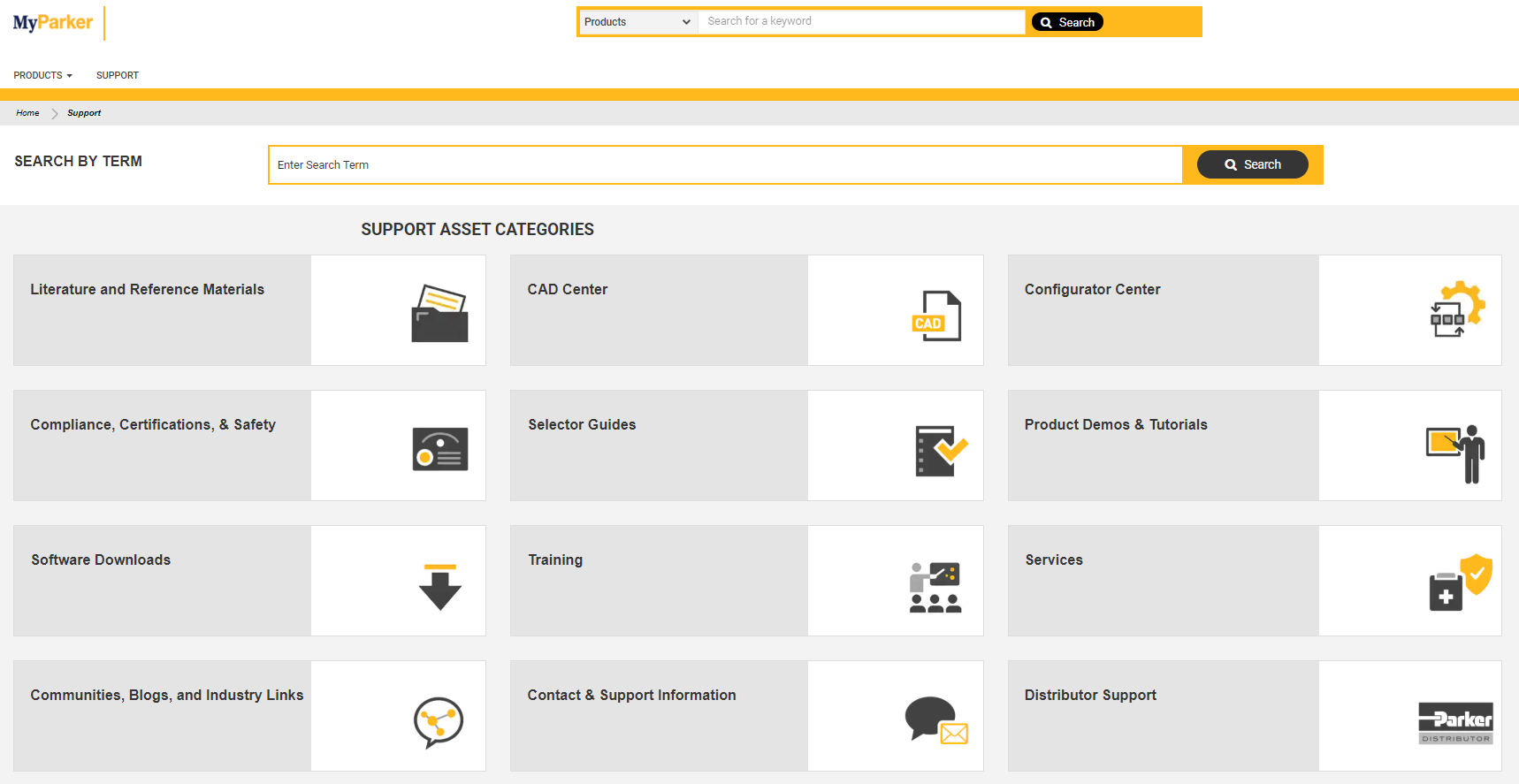
Learn how to use the support section & find what you are looking for
If you can’t find what you are looking for, we are here to point you in the right direction. We created a short user guide that walk you through how you can find your MyParker documents.
3/ Distributors Can Change Their Password in two easy steps

Step 1
If you are looking to change your password, we have made it easy for you. To get started, login to MyParker then click on My Account in top navigation.
Step 2
Click Account Information and click Edit under Password. You are all set.



© PARKER HANNIFIN CORP 2020