
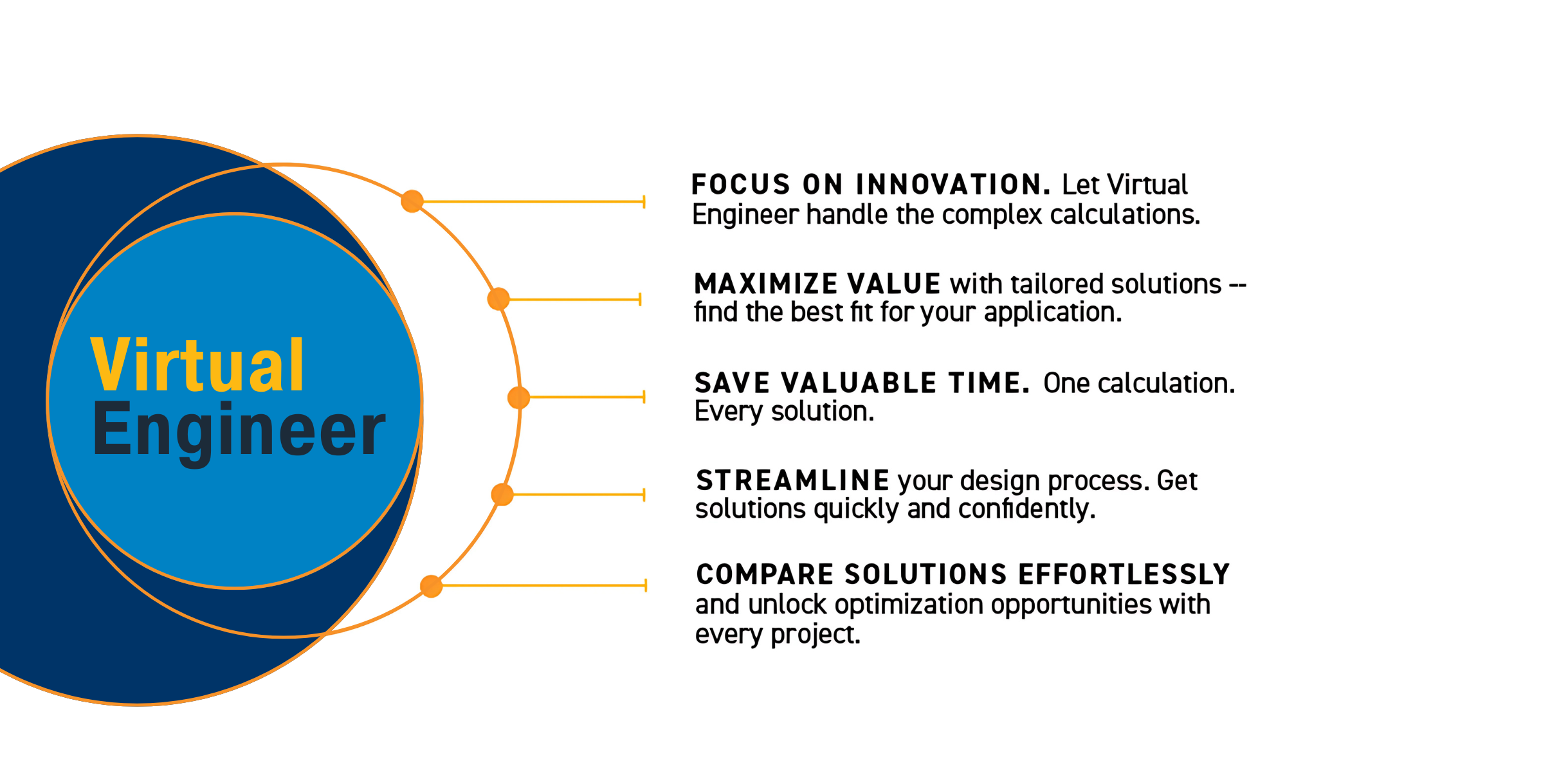
Ready to reduce design time & cost, ensure optimal solutions? Meet Virtual Engineer.
Backed by a powerful calculation engine, this interactive interface will enable you to easily and accurately model your pneumatic application. Size, select, and quote your project with ease — regardless of whether you have limited application information or a detailed spec.
Bring your design from concept to completion.
GET STARTED
SELECT AN APPLICATION:
Note: To create Valve & Manifold applications within Virtual Engineer, you'll be required to sign in or create an account on Parker.com
Launch ARC OF MOTION for applications requiring rotational movement or swinging actions, such as dampers or robotic arms.
Launch LINEAR MOTION for applications needing straight-line movement, such as pushing, pulling, or lifting tasks.
Launch VALVE to create a new single valve application using a Parker linear or arc-of-motion actuator, pneumatic application, or generic pneumatic actuator.
Launch MANIFOLD to create a pneumatic manifold with multiple applications using Parker linear or arc-of-motion actuators, pneumatic applications, and generic pneumatic actuators.

How Does it Work?
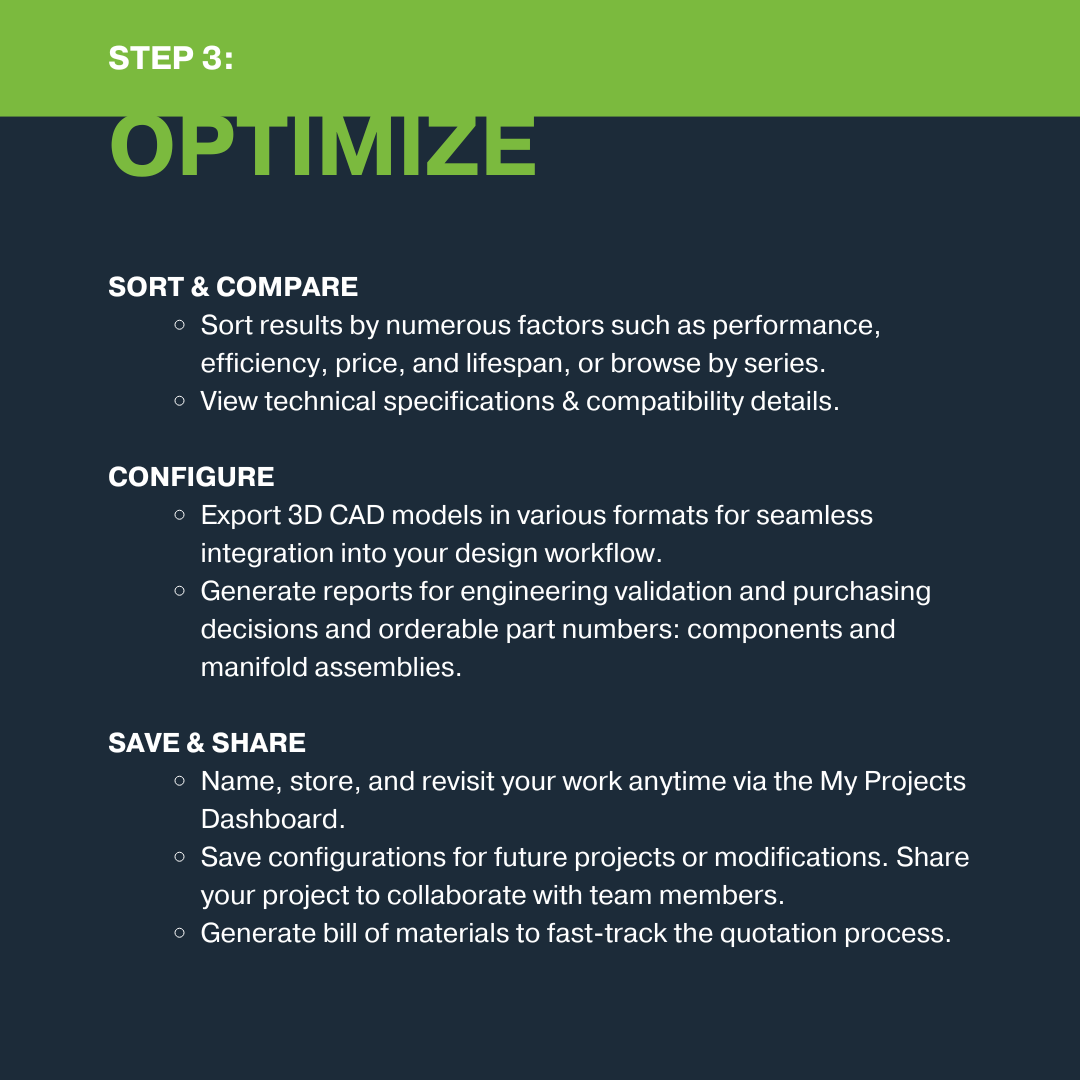
Virtual Engineer is an online pneumatic sizing and selection tool that allows users to define inputs and other application specifications to compare, sort, and configure Parker's available pneumatic solutions, including arc of motion actuators, linear motion actuators, valves, and manifolds. Easily right-size and optimize your application with options sort and compare all available products based on important criteria, including price, life cycle, features, components, and other criteria.
Virtual Engineer also offers advanced features, such as options to calculate and model complex motion or model a manifold for max airflow to assist in end plate selection or auxiliary inlet segments.
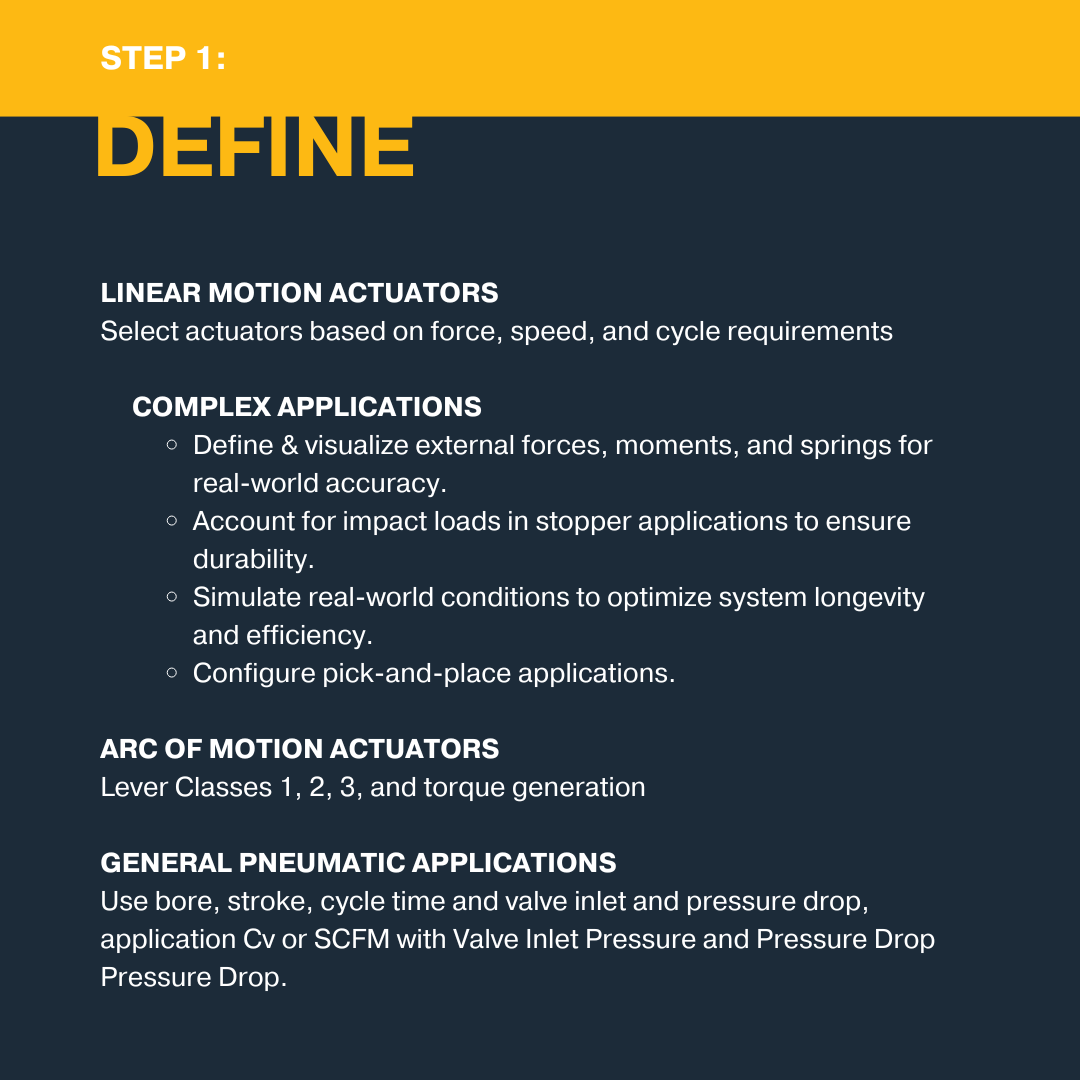
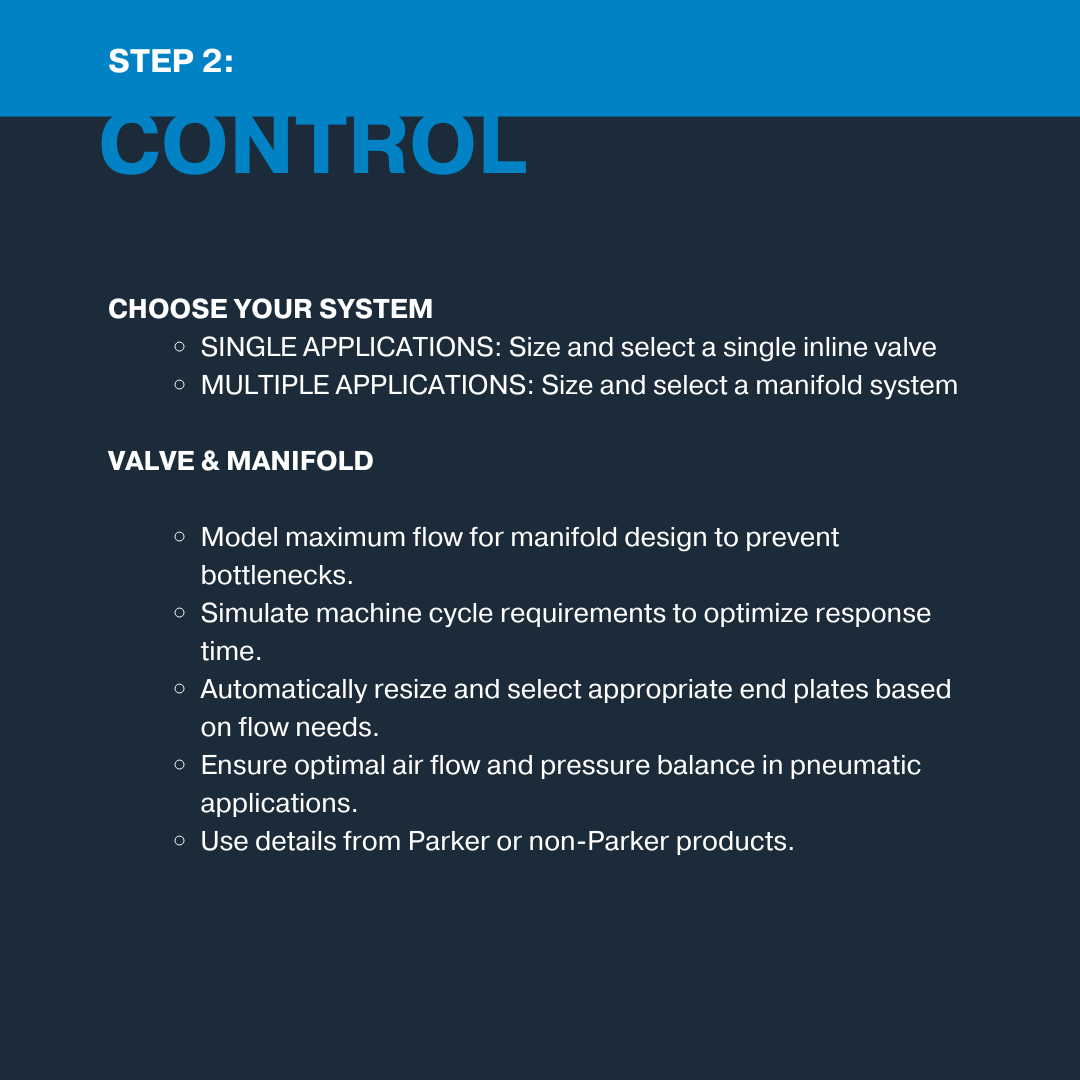
Easily edit or configure each individual application and view each component.
When you're ready, Virtual Engineer will generate a summary report for your project, including all associated part numbers, and generate CAD drawings in almost any format.
Collaborate with your team inside the tool, save your progress, or use your finalized documents to streamline the quotation process directly through Parker or via the Parker Pneumatic Distributor that serves your area.
Learn More
Whether you're concerned about machine space, oversizing, or cost efficiencies, Virtual Engineer was designed to provide a thorough understanding of all product options for your application.
Get Started
Virtual Engineer offers the ability to size, compare, and select the right product for your needs. Need support along the way? Access the in-tool resources or contact our technical support team at pdn.technical@support.parker.com.

Need Assistance?
We're here to help.
For questions about Parker products or using Virtual Engineer, please contact technical support | pdn.technical@support@parker.com
To place an order or check the status of an order, please contact Customer Support | pdn.support@support.parker.com
For marketing-related queries, please contact the Parker Pneumatic Division Marketing Department | pdnmktg@parker.com
Visit Parker.com